 FlightSpace

What to check in FlightSpace
Do not add the numbers
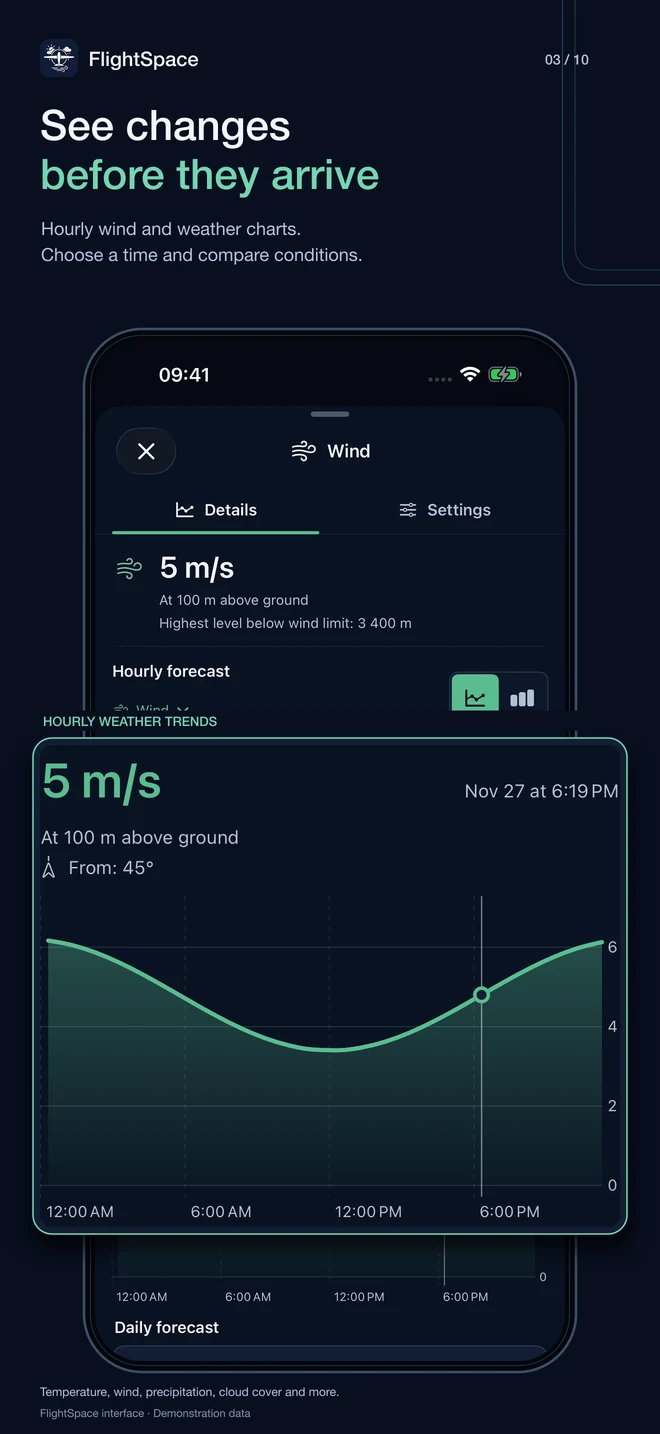
Wind of 5 m/s with gusts of 8 m/s does not mean 13 m/s. Gusts are shown separately as a peak speed over a forecast period.
Compare matching heights
Check the labels in FlightSpace: gusts at 10 m are not the peak wind at a working altitude of 100 m. Open the gust chart for takeoff and landing times.
Check your limits
Review your profile's gust limit and the manufacturer's instructions. Inspect the launch area: obstacles can alter airflow.
Keep in mind
There is no single suitable limit for every UAV. The difference between wind at altitude and surface gusts does not, by itself, measure turbulence.