 FlightSpace

What to check in FlightSpace
Start with your profile
Review enabled aircraft limits for wind, gusts, precipitation, temperature and other relevant values. Do not relax limits just to obtain a convenient result.
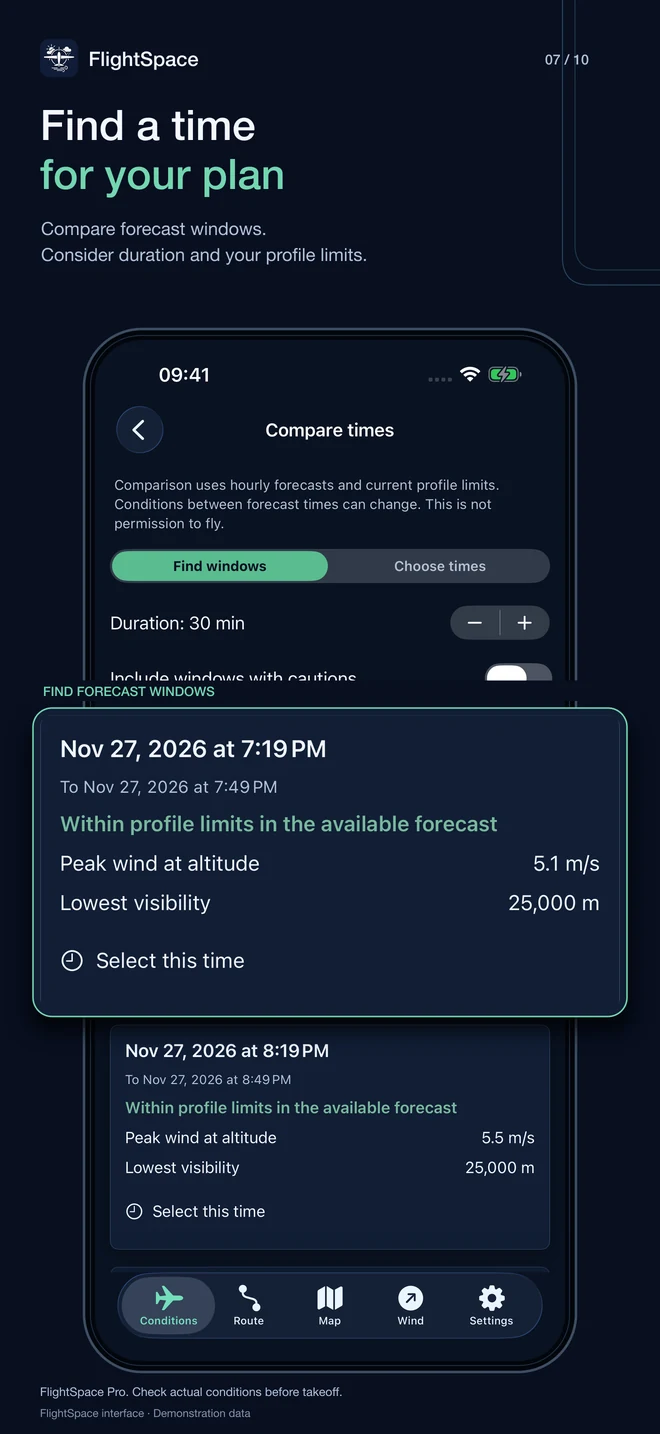
Compare time windows
In FlightSpace Pro, open the next window and window selection. Allow time for takeoff, the task and return. Check the charts before and after your chosen interval.
Recheck before travel and launch
Refresh the forecast and review its timestamp and warnings. For a route, check conditions beyond the launch location too.
Keep in mind
A weather window compares forecasts with your settings; it is not permission to fly. Separately check airspace restrictions, aircraft condition and actual weather.