 FlightSpace

What to check in FlightSpace
Separate the three values
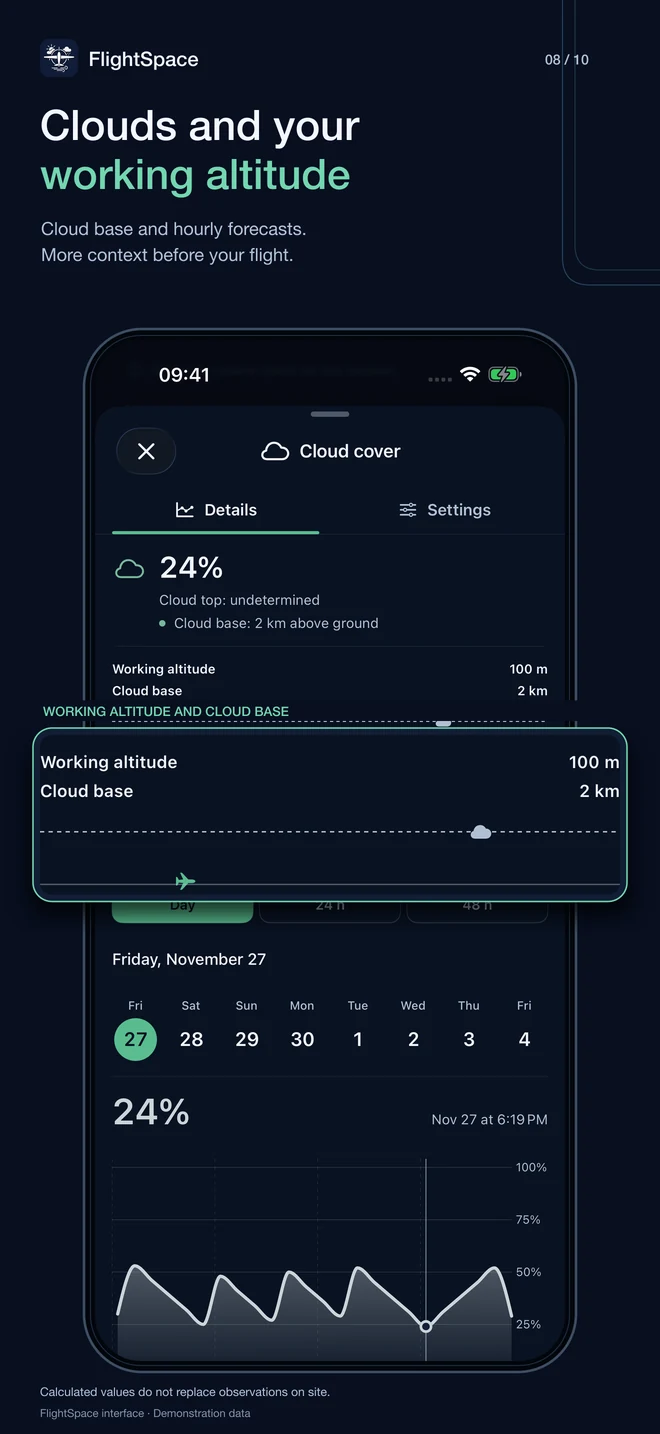
Cloud cover describes the fraction of sky covered by clouds. Cloud base describes the altitude of their base; visibility is a separate measurement. A percentage alone is not enough.
Open cloud details
Check the cloud base and its source for the selected time. A layer marked 0–2 km does not mean its base is at zero. Compare heights using the same reference.
Check visibility
Review the hourly visibility chart and official warnings where available. Compare the forecast with what you can see at launch and along the planned flight area.
Keep in mind
An estimated cloud base is not an observation. Missing data does not mean clear skies. Forecast visibility does not confirm visual contact with a particular aircraft.