 FlightSpace

What to check in FlightSpace
Select your working altitude
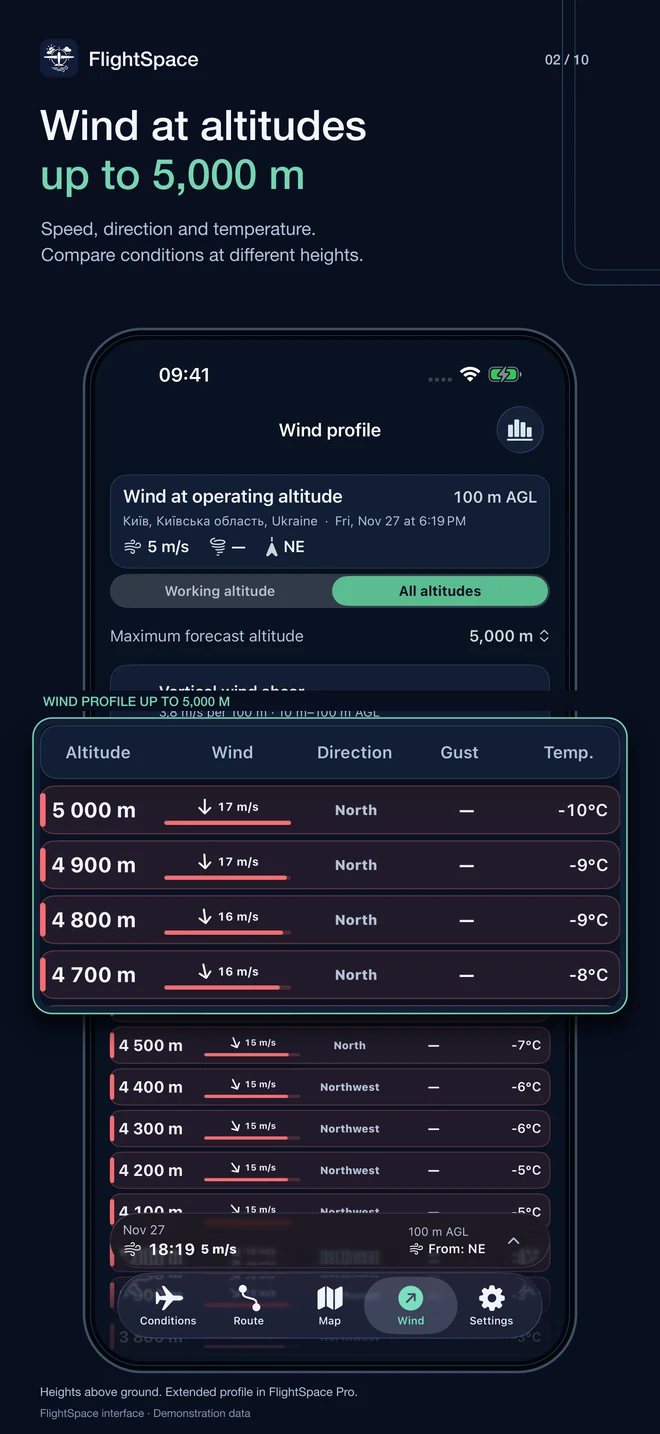
Set the location, time and aircraft profile. In the wind profile, compare the surface, working altitude and return altitude. AGL means above ground level, not above sea level.
Check the direction
Compare wind direction with the outbound and return legs. At a fixed airspeed, a headwind reduces ground speed. Allow time and energy for the return.
Look for changes
Open the hourly chart for your planned time. Compare wind speed with your profile limits; Pro offers available forecast levels up to 5,000 m.
Keep in mind
Data availability depends on source and altitude. A dash does not mean calm wind. Derived levels and forecasts do not replace an on-site assessment.